
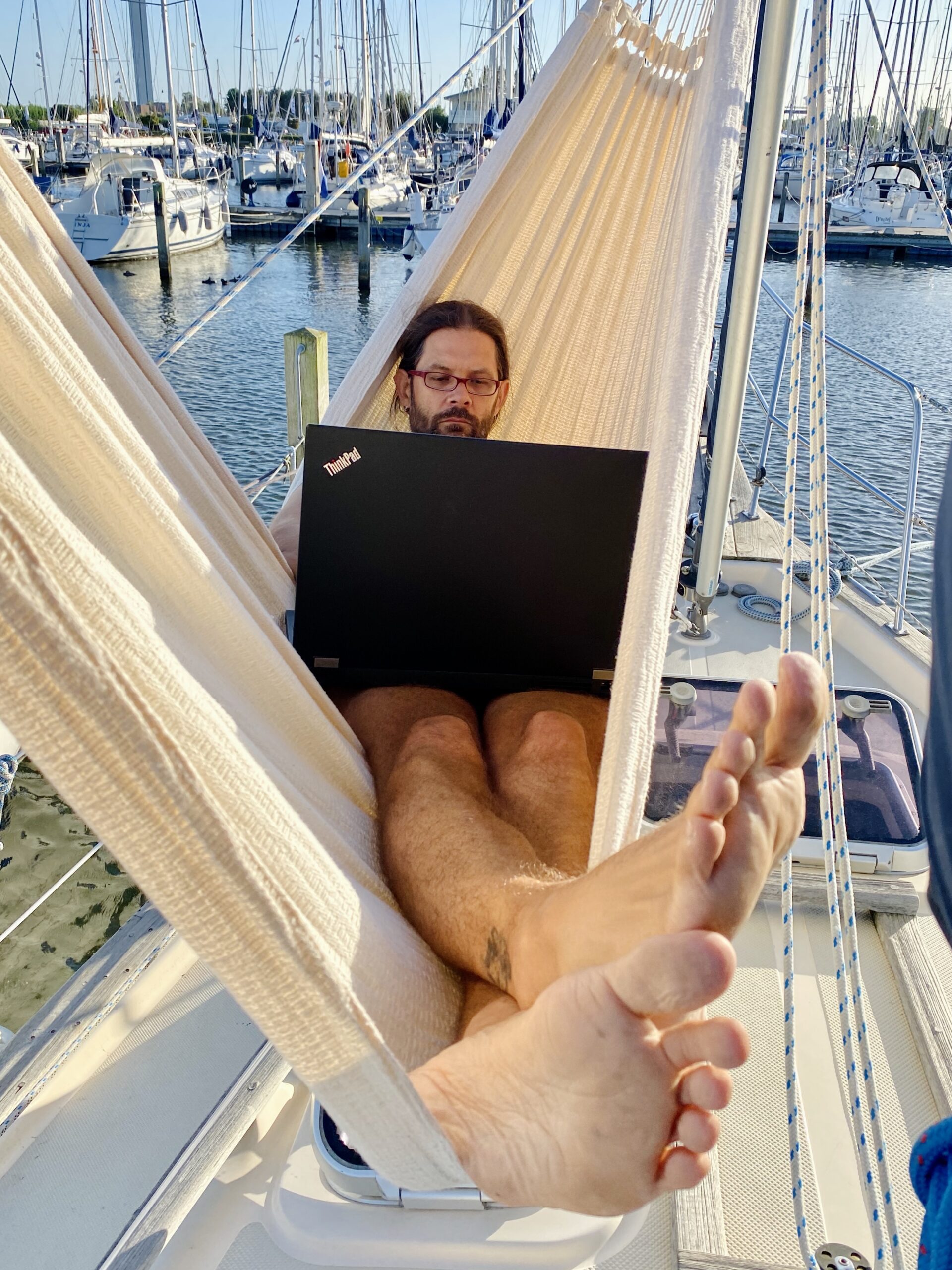
Of course, a reliable internet connection and the right infrastructure are the foundation for working on board. But beyond that, a few small details also become relevant and might be important.
Power for the laptops
The first thing we needed to ensure was a reliable power supply for our laptops. Unlike many other boats, we don’t have mains power (230 V) when at anchor. We don’t have an inverter and, for now, don’t really want one. We can charge our laptops either with regular 230 V shore power or directly from the 12 V onboard system. Today, there are suitable 12 V adapters and chargers for different laptop models. We use the HKY Universal Car Laptop Charger Kit for the ThinkPad and the HKY PD USB-C Laptop Car Charger Travel Adapter for the MacBook Pro. These are used with a cigarette lighter socket. We currently have two of them on board, but we plan to install a few more so we can charge laptops from anywhere.
Power for other devices
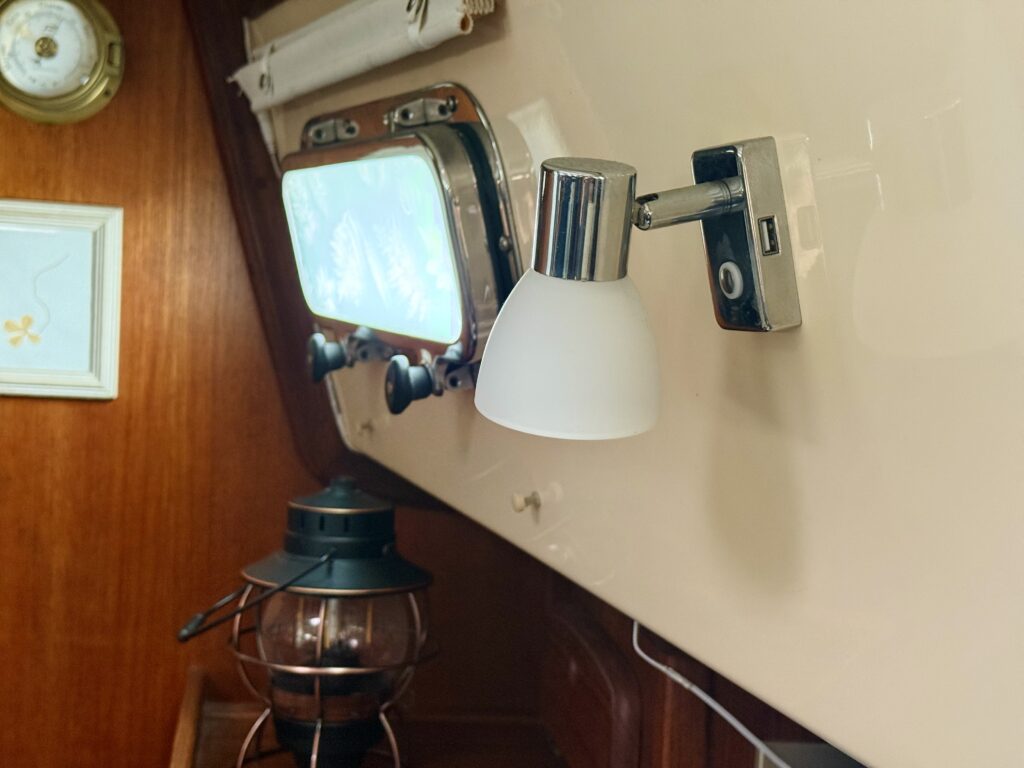
Smartphones on our boat are powered directly via USB from the 12 V system. Our lights have an additional USB port: LIGHTEU RV Reading Light LED 12 V Interior 3W with USB. We have installed 12 of them throughout the boat. We use them to charge all kinds of devices, such as extra smartphones, tablets, portable speakers, headlamps, and more.
Printer
Fortunately, we don’t have jobs that require a printer urgently. So we don’t have one in our boat office. In theory, you could buy a small printer that is completely boat-friendly. Storing paper is probably the bigger problem, as the usually damp climate at sea is not ideal. We don’t work completely paperless though. Tommy especially swears by his bullet journal for organising himself. And we still have a few notebooks and pads.
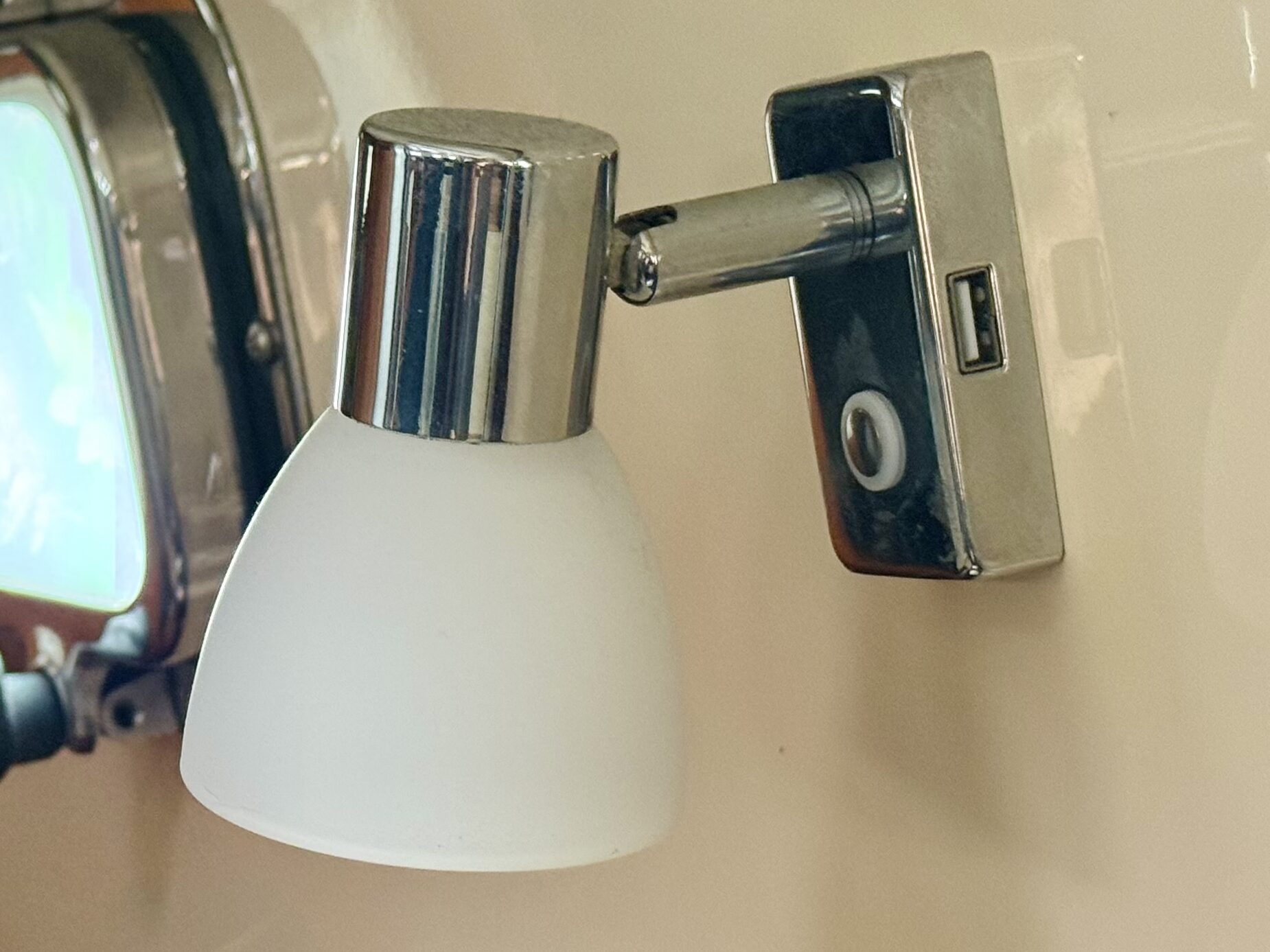
Dimmable LED lights with USB
One of the first things we replaced on board. The original lights had a 1990s plastic charm and still used incandescent bulbs.
Office software & data security
Besides standard office software, which in my case is provided by the employer (e.g. Office 365), we naturally have to ensure data security on our end. We use a secure VPN connection (e.g. NordVPN). This ensures not only maximum privacy and protection of internal business data, but also secures our personal internet traffic when using public WiFi in harbours, hotels, or trains.
Affiliate notice: This page contains affiliate links. If you make a purchase through these links, we receive a small commission at no extra cost to you. Thank you for your support!